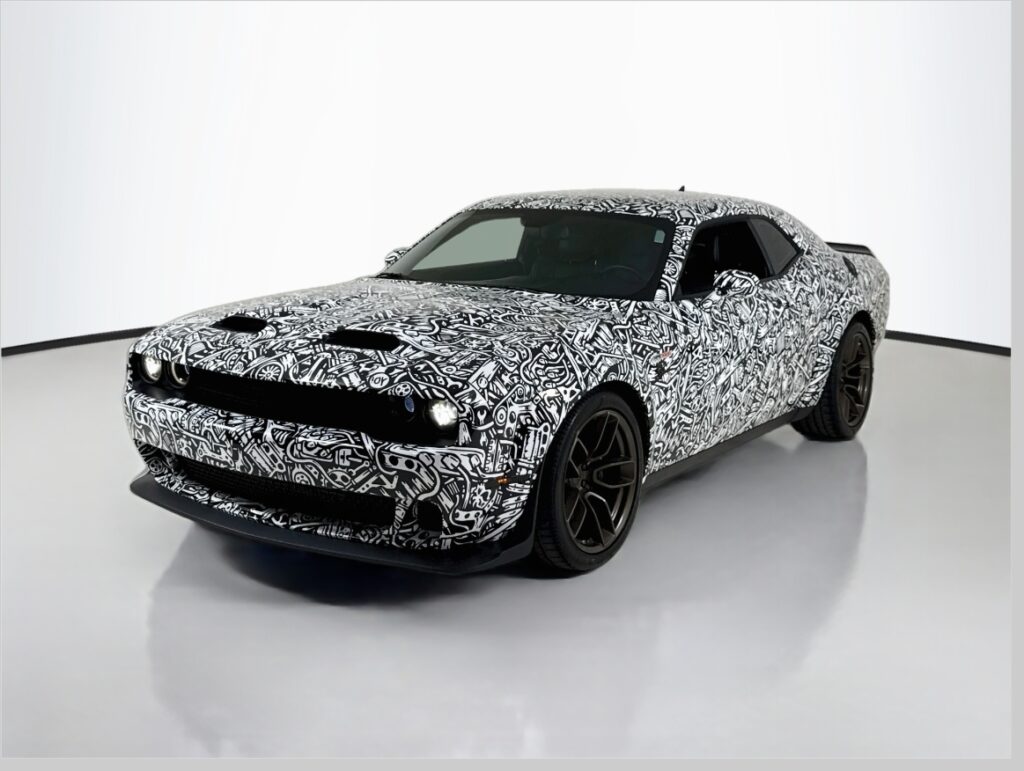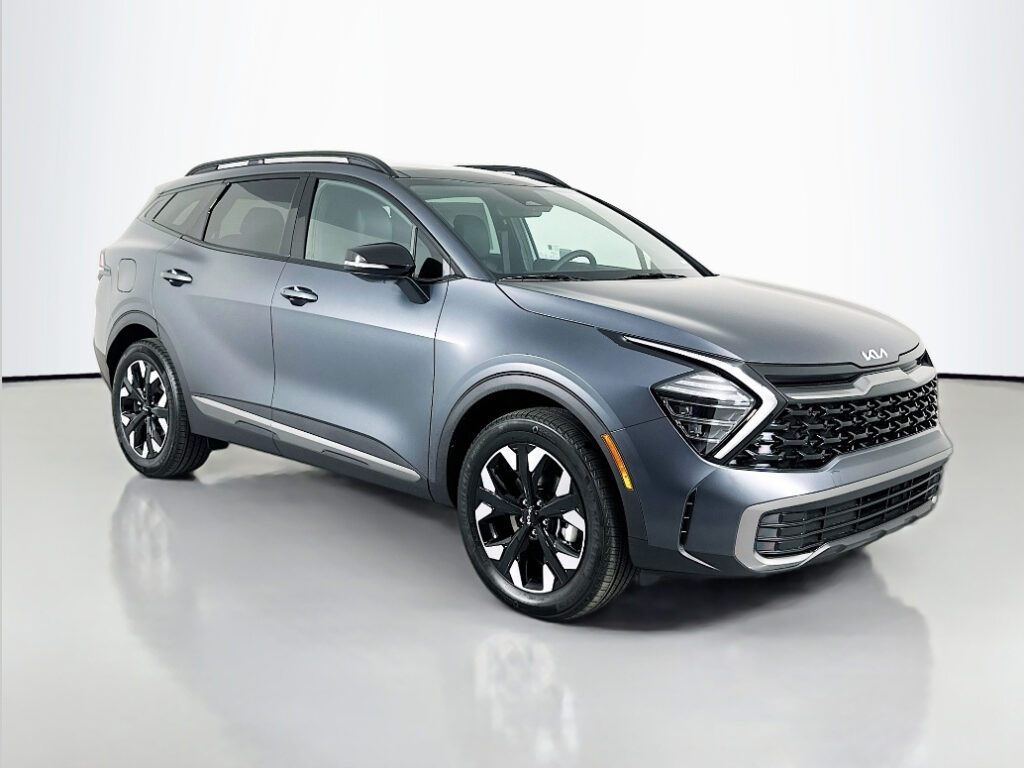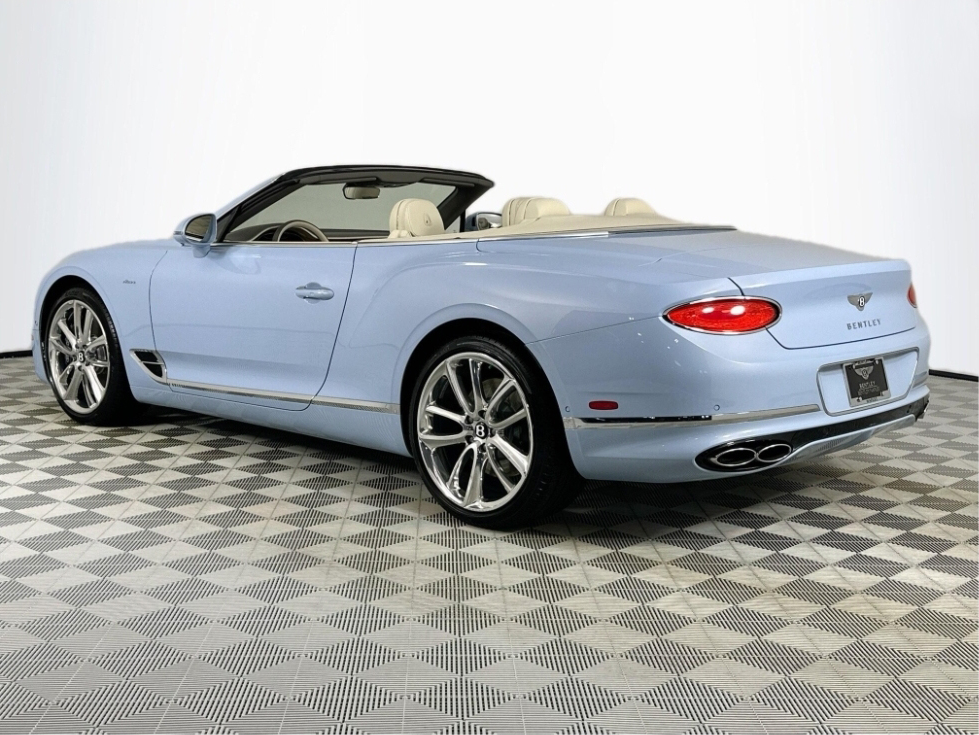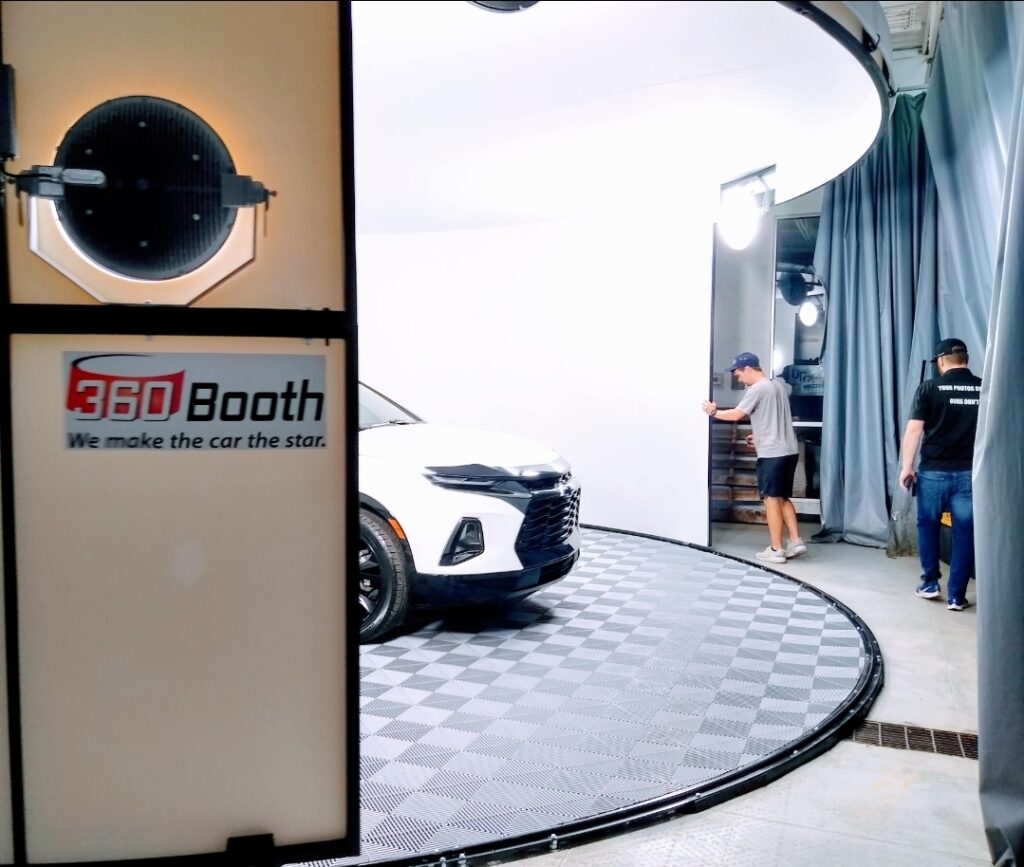
So y’all want a 360Booth®. I showed you how bright and clear the photos can be, showing the true color of the car. When we trained you and your staff, our installer trained you and displayed very brilliant, clear, bright photos, and now your photographer is taking dark ones.
Just contact us. It’s a five-minute conversation to get them back on track. In this video, I’m going to try to explain, with a camera, why the photos are dark and how to correct them.
So, here’s my camera. It’s outdated. You can’t buy it any more, but the one dial I want to show you is this dial right there. Right here. You’re able to turn it and make it bright or dark.
Let me show you this up close. Here’s the key. Whenever the camera sees the studio, it gets really dark. By turning the dial at the top, I can make my photos bright or dark. When you go to auto mode, it’s too dark and dingy. You have to simply just increase the volume, take your picture, and look at that picture. It’s that simple.
FAQ
Why are my 360Booth® photos coming out dark?
On auto mode, many cameras underexpose in a bright white studio, so images look dark and dingy.
How do I brighten them?
Turn up the exposure (brightness) setting on the camera before shooting. If you need help, a quick call with 360Booth can get your photographer back on track.
Related Reading:
- Why do some studios have dark photos?
- My photographer is not following the presentation you taught us. Is there any way he can have something to help him remember what photo is next in the presentation?
- Amazing Car photo studio, worst camera
- Maximizing Efficiency, Quality, and Savings with the SHOOTit ai Intelligent Camera
- Does 360Booth® use softbox lighting?
- Why do I need to turn off or remove other lights in 360Booth®?