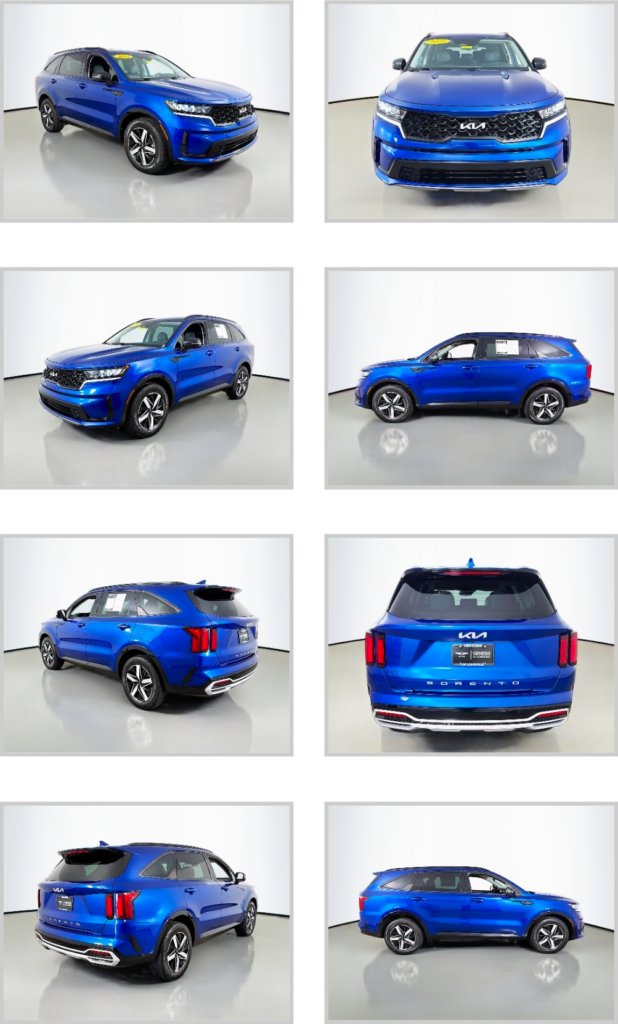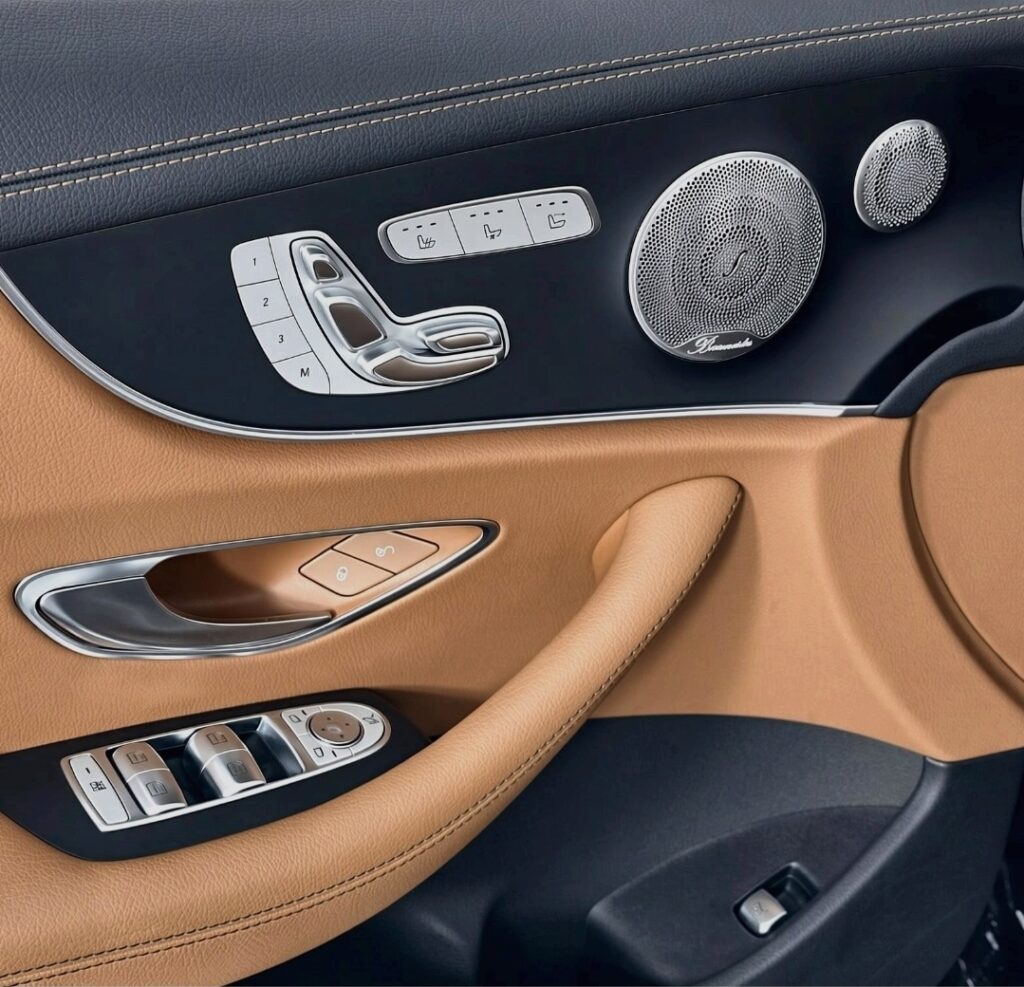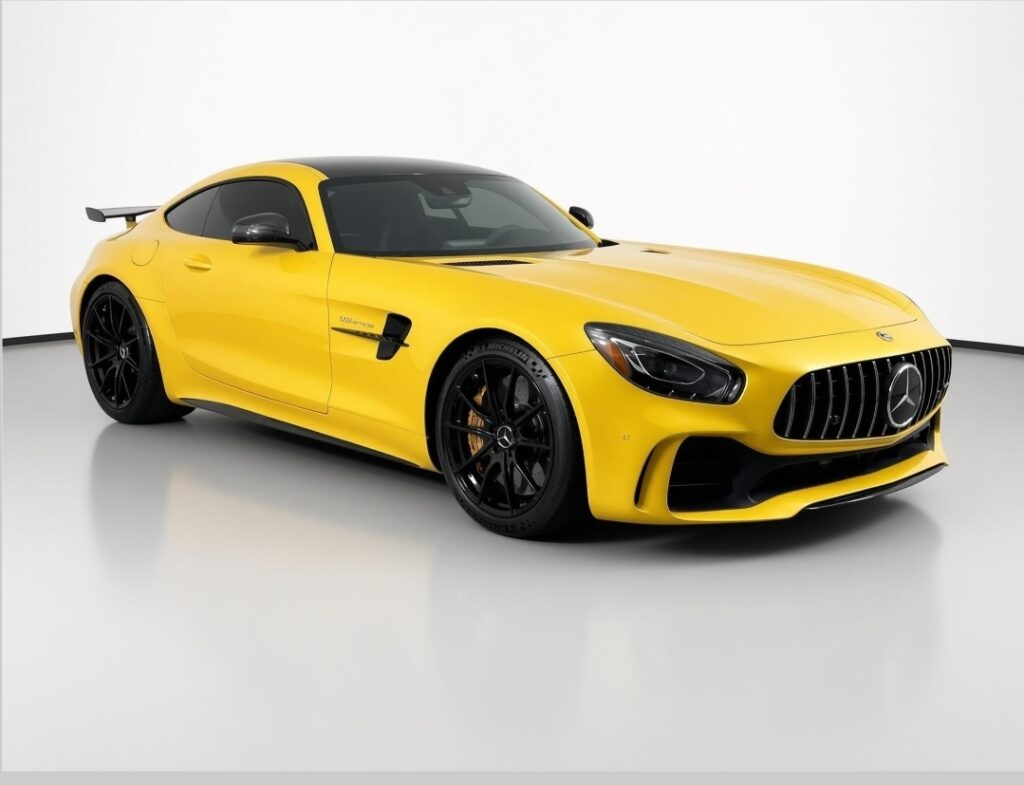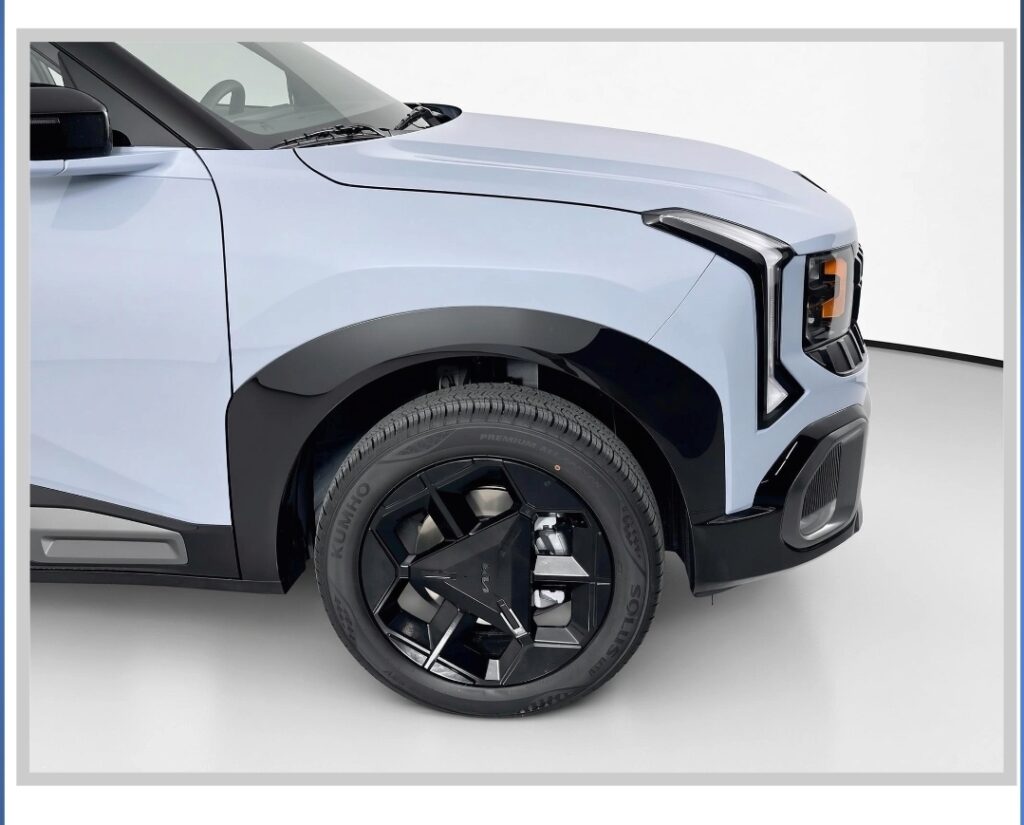
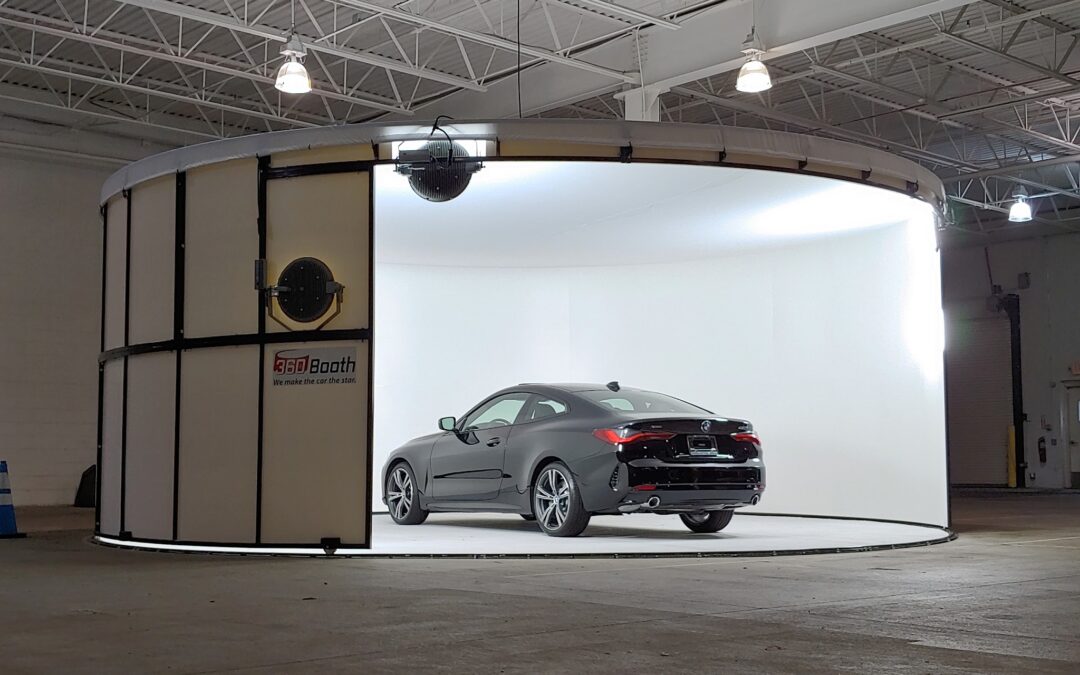
Under seven minutes. That’s how long a dealership employee typically needs to photograph a car with SHOOTit AI: 40+ photos, exterior and interior 360° spins, HDR and the feature shots buyers actually look for.
When dealers hear that number, the first question is usually some version of “What got skipped?” Fair question. The traditional answer to fast photos has been fewer photos, worse photos, or a fake background pasted on later to hide the difference.
Nothing gets skipped. The time comes out of the parts of the job that never should have taken time in the first place: guessing, fiddling with settings and walking back to the car tomorrow. Here’s where the seven minutes actually go.
Stage 1: The VIN writes the shot list
Every shoot starts with the VIN. SHOOTit AI decodes the factory options and builds the shot list around that specific car. If it has heated seats, parking sensors, a surround-view camera or power seats, the app asks for those shots by name.
That matters more than it sounds. A feature that isn’t photographed might as well not exist to an online shopper, and nobody remembers every option on every trim. The VIN does. (We dug into this in Stop Missing Options: How SHOOTit AI Combats That.)
Stage 2: The walkaround, with a photographer built in
The employee follows the on-screen prompts around the car: exteriors, interiors, details. They don’t line anything up with a wireframe and they don’t touch a camera setting. SHOOTit AI handles zoom, framing, centering, cropping, exposure, focus, white balance and lighting automatically.
That’s why a detailer, a porter or a new hire can do this job on day one. Training takes minutes, because the expertise lives in the app, not in the person holding it. Where does that expertise come from? Models trained on tens of millions of real vehicle photos from 360Booth studios, built by our in-house team with PhD-level computer vision expertise. The long version is in What Gives SHOOTit AI Its Intelligence Behind the Camera?
Stage 3: The reshoot happens now, not tomorrow
Here’s the part that saves the most time, and it’s the part most photo tools don’t have. If a shot comes out dark, blurry or poorly centered, SHOOTit AI stops and asks for a reshoot right then, while the employee is still standing at the car.
Compare that with the usual routine: photos go out, somebody notices the blur a day later, and now someone has to find the keys, find the car and shoot it again. Or worse, nobody notices and the blurry photo sits on the VDP. Fixing it at the shutter takes seconds. Fixing it later takes a trip. (More on that in Fake Backgrounds Fix the Photo After the Damage Is Done. SHOOTit AI Fixes It at the Shutter.)
Stage 4: Spins, HDR and the shots buyers zoom in on
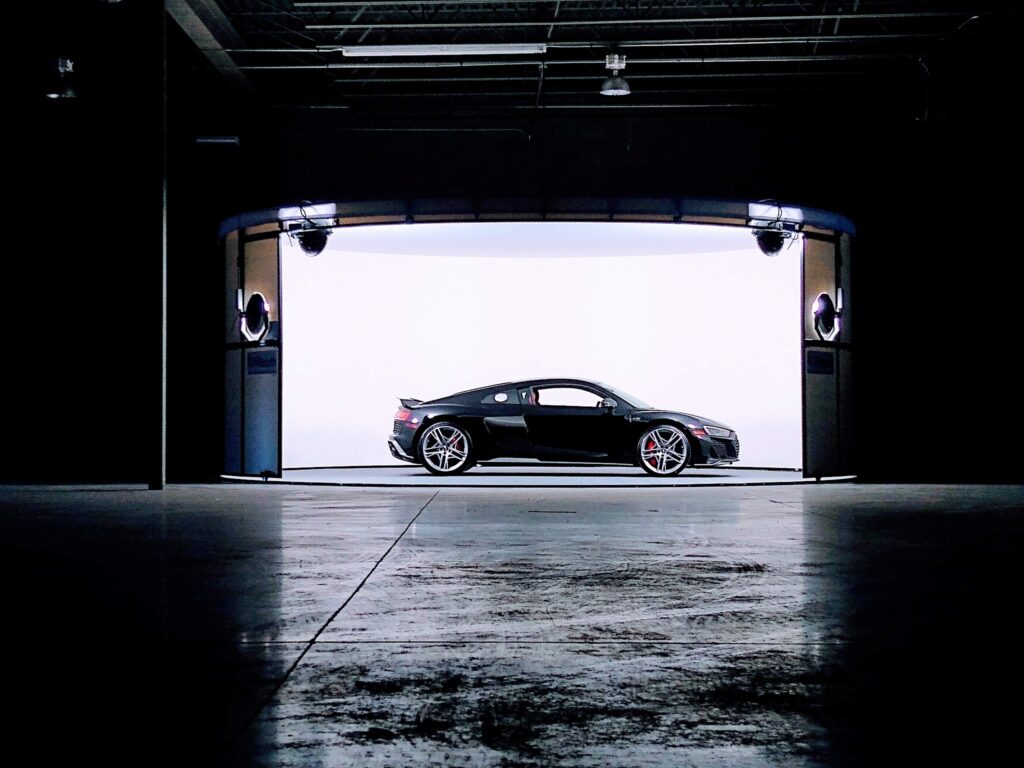
The guided sequence includes exterior and interior 360° spins, HDR images and detail shots, all in the same flow. No separate rig, no second app, no extra pass around the car. The employee keeps following prompts and the set keeps building.
Stage 5: Save, and the set lines up the way your store wants it
Employees shoot in the order that’s fastest at the car. On Save, SHOOTit AI places the photos into the store’s configured sequence, which is how brands with strict presentation rules stay in line. (See how that works for Cadillac and Porsche.)
Then the photos move. On average Wi-Fi they reach Autoexact in about 50 seconds, and Autoexact sends them to vAuto, HomeNet and other vendors through its 300+ custom data feeds. One tap, and the car is on its way to the website. The full detailer-to-feed story is in The Detailer Washes It. The Detailer Shoots It.
Where the time didn’t go
Add it up and the seven minutes are spent on one thing: taking real photos of the real car. Not on:
- Setup. No wireframes, no manual alignment, no camera settings.
- Editing. No heavy post-processing and no synthetic background. The photos are consistent and color-accurate because they were captured right.
- Second trips. Bad shots get caught at the car, not discovered tomorrow.
- Waiting on a vendor. The person who finished the car photographs the car. (See In-House or Outsource Vehicle Photos?)
Anywhere works. The studio works best.
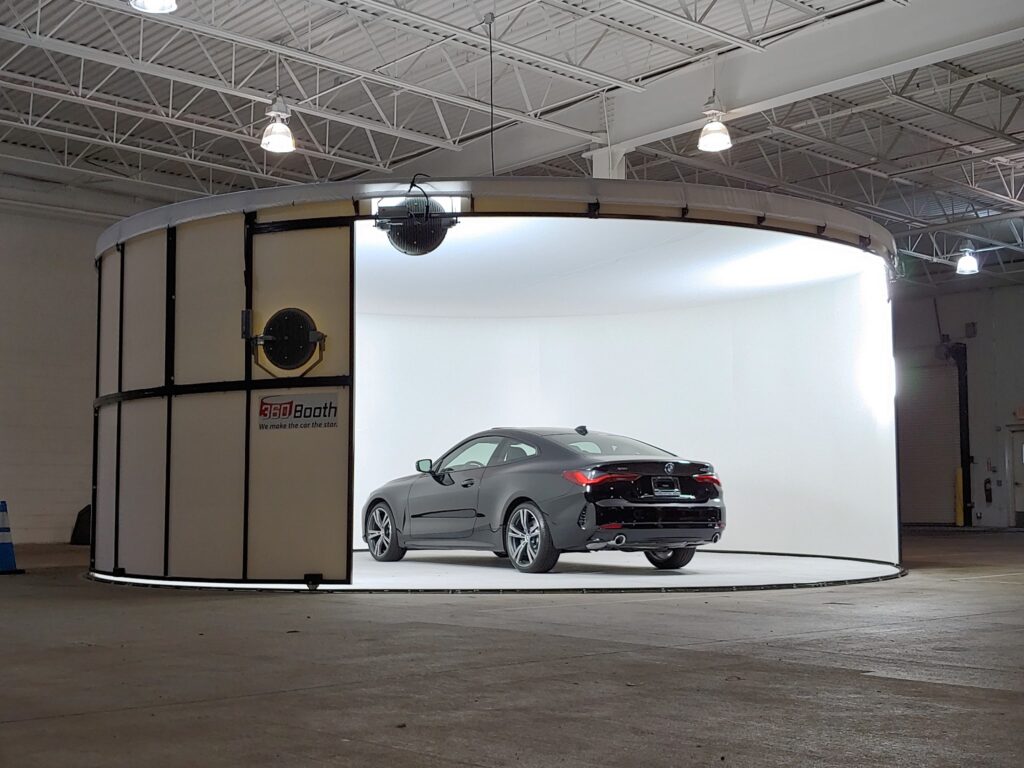
SHOOTit AI runs on an iPhone and can be used anywhere. Pair it with a 360Booth vehicle photo studio and you add controlled lighting and a consistent background, so the hundredth car looks like the first one, rain or shine, noon or after dark. For the phone itself, we recommend a dedicated dealership iPhone that stays with the store.
Seven minutes. Forty-plus real photos. Nothing pasted in, nothing skipped, nobody walking back to the car tomorrow.
FAQ
How long does a SHOOTit AI vehicle shoot take?
A full SHOOTit AI photo set, including 40+ photos, exterior and interior 360° spins, HDR and feature shots, is typically captured in under 7 minutes.
Does the employee need photography experience?
No. The employee starts with the VIN and follows on-screen prompts. SHOOTit AI handles zoom, framing, centering, cropping, exposure, focus, white balance and lighting, and training takes minutes.
What happens if a photo comes out bad?
SHOOTit AI stops dark, blurry or poorly centered shots and prompts an immediate reshoot while the employee is still at the vehicle.
How do SHOOTit AI photos get to vAuto or HomeNet?
After Save, photos reach Autoexact in about 50 seconds on average Wi-Fi. Autoexact then delivers them to vAuto, HomeNet and other vendors through its 300+ custom data feeds.
Do I need a 360Booth studio to use SHOOTit AI?
No. SHOOTit AI runs on an iPhone and can be used anywhere. Results are best when paired with a 360Booth vehicle photo studio for controlled lighting and a consistent background.
Related Reading:
- Stop Missing Options: How SHOOTit AI Combats That
- The Detailer Washes It. The Detailer Shoots It. It’s in Autoexact in About 50 Seconds.
- Fake Backgrounds Fix the Photo After the Damage Is Done. SHOOTit AI Fixes It at the Shutter.
- Real-Time AI Photo Verification vs. 2D Background Replacement
- What Gives SHOOTit AI Its Intelligence Behind the Camera?
- Cadillac Dealer Photo Sequencing With SHOOTit AI
- In-House or Outsource Vehicle Photos? The Vendor Doesn’t Need to Come Back
- Should a Dealership Use a Dedicated iPhone for Vehicle Photography?